How I started a Steam page
How I started the Steam page.
https://www.patreon.com/posts/how-i-started-my-135713072?utm_medium=social&utm_source=twitter&utm_campaign=postshare_creator&utm_content=join_link
Setting up a Steam page for your first game turned out to be quite a difficult task. The thing is, I didn't know what I was going to face. I don't know anyone who has already started a Steam page. It turns out I'm a pioneer! :)
It's funny how many Unreal Engine game developers and others don't know what needs to be done to create a Steam page. But we make games for Steam... by the way… Ahahaha
To begin with, it was necessary to make 8 images of the exact size. If the size of the images is slightly different, they will not be accepted. I was very glad that my level designer decided to make a location for screenshots on Steam himself, because he also wanted to make it for his portfolio.
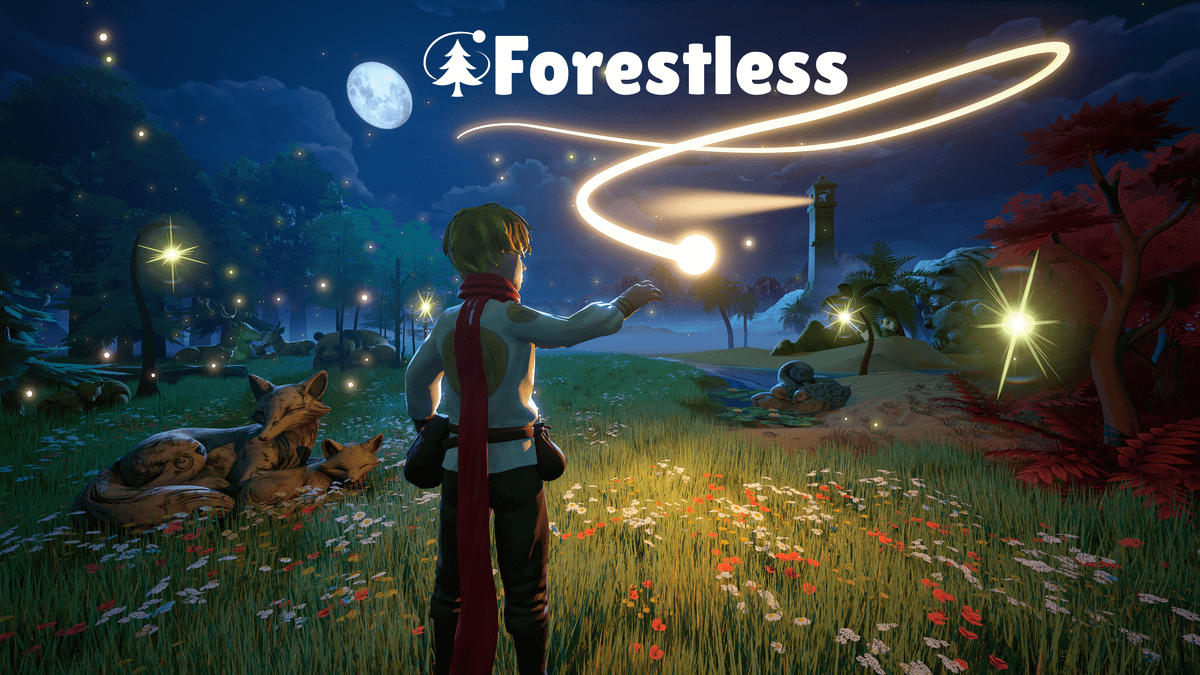
Moreover, at the first check, they refused to publish it, because we decided to cheat a little and draw the Forestless logo in the place where we wanted, and not in those limited 4 places that the Steam system offered: in the lower left corner, in the center of the screen, at the top and bottom of the screen.
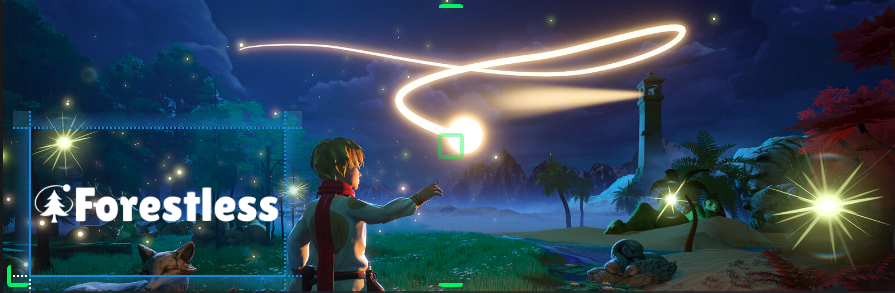
As a result, they noticed this and we replaced the image without the logo and placed the dynamic logo in the lower left corner.
And oddly enough, it turned out to be more difficult to make images than the trailer for the game. I spent about 3 days on the trailer of the game: writing the script, selecting music from the collection of the composer in my team and editing the video so that the change of glues was in tune with the music. And we spent more than a week on the images because for each image we made a new level and selected a piece of the screen that would go on Steam. And of course, the level designer, Artyom, wanted to make these levels in the portfolio, so it took longer.
The verification process itself takes about 3 days.
The rest of filling out the information about the game was simple, it took about 1 day. But after I corrected the description of the game according to the edits made by Steam, I had to update the localization into 20 languages, but it's all done quickly through a translator.
If it seemed interesting to you, but not told, then write in the comments and I will try to answer!
Thank you for your attention :)